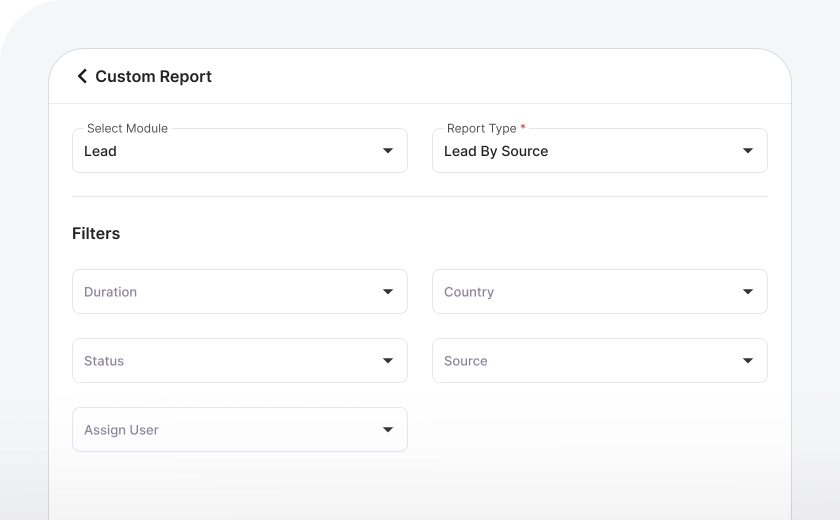
Reports on Leads
In the CRM, you can access detailed reports on your leads with a variety of filter options. Whether you want to view leads by their status, source, assigned user, or location (such as country, state, or city), you can easily apply filters to narrow down the data. The results are displayed in a clear tabular view, and you can click on any specific entry to be taken directly to the original source data within the CRM for a closer look.
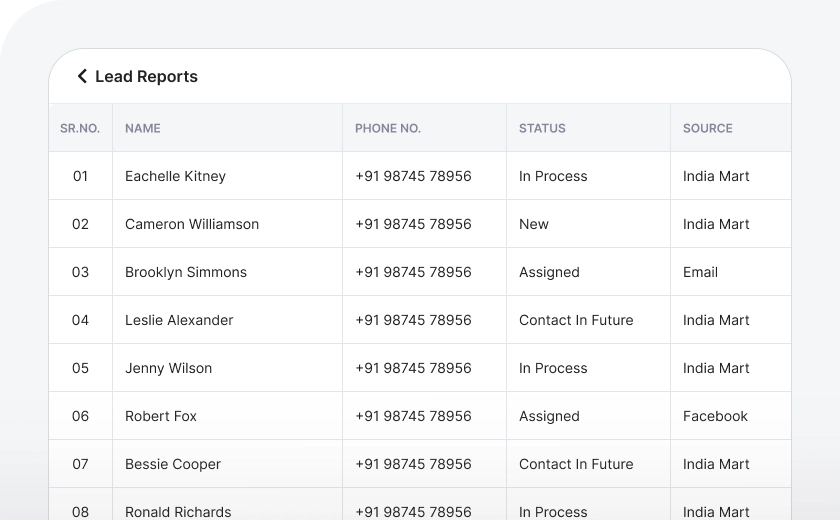
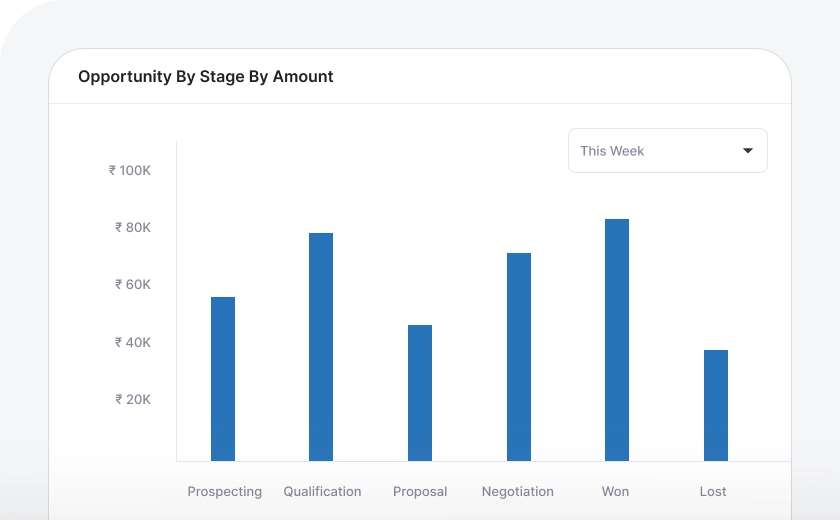
Reports on Opportunity
In the CRM, you can access detailed reports on your opportunities with a variety of filter options. Whether you want to view opportunities by their stages, source, assigned user, location, client or by amount, you can easily apply filters to narrow down the data. The results are displayed in a clear tabular view, and you can click on any specific entry to be taken directly to the original source data within the CRM for a closer look.
Reports on Tasks
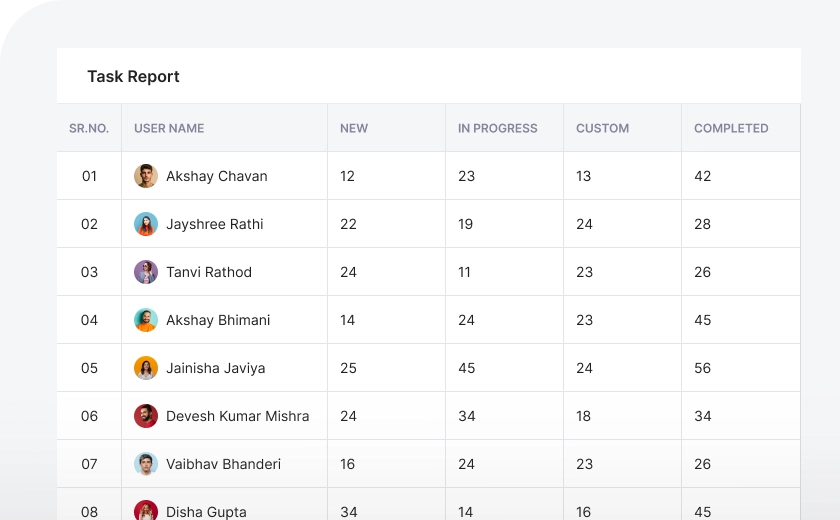
In the CRM, you can view detailed reports of your tasks and filter them based on different criteria like status, assigned user, priority, or any other specific parameters. The data is presented in an easy-to-read table format, and you can click on any task to access the full details directly within the CRM. This allows you to quickly find the information you need and manage tasks more effectively.
Reports on Communications
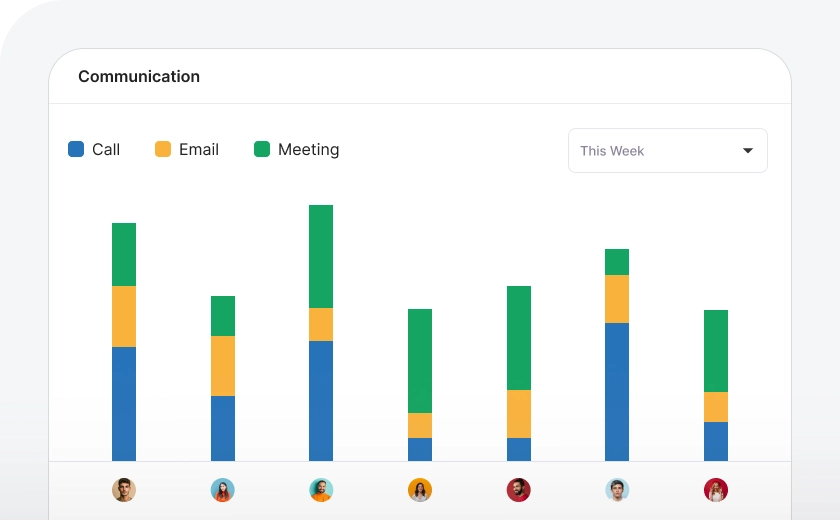
You can easily access detailed reports of all communication logged in the CRM, providing insights into your team's activities. The reports show how many calls and meetings have been logged, which user was responsible for each interaction, and the status of each communication. This information is available in a simple and organized format, making it easy to track your team's performance, identify trends, and ensure that no follow-ups are missed.
Reports on Items
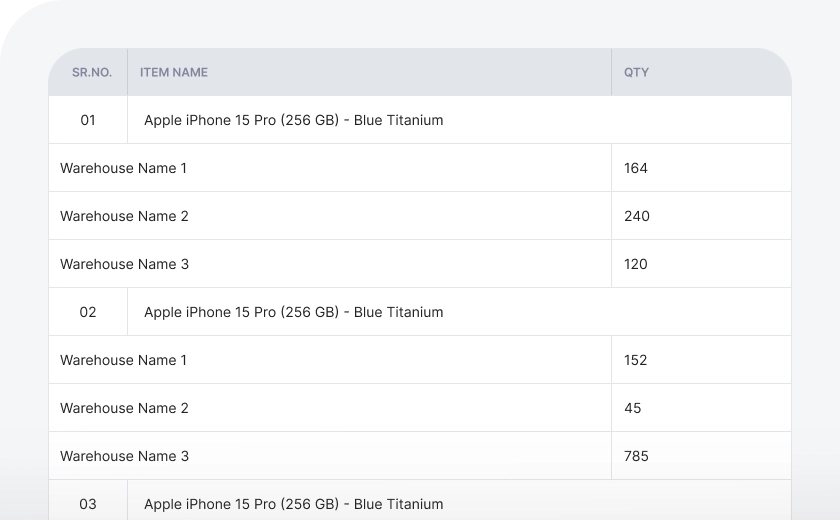
Wortal CRM is a great tool for trading companies to track their inventory. It gives you clear insights into stock availability and helps you monitor things like purchases, sales, transfers between branches, and warehouse movements. With Wortal CRM, you can easily keep track of your stock levels and make sure everything runs smoothly across your business.
User's Summary Report
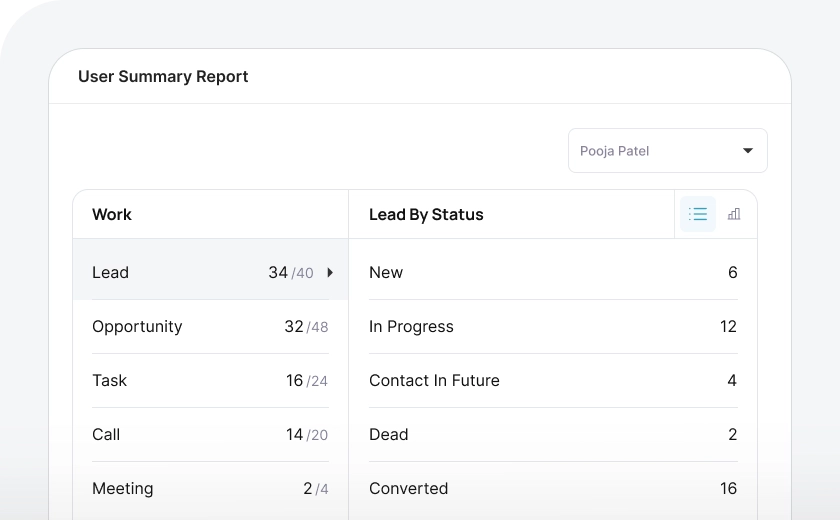
If you want to know what each employee is working on, Wortal's User Summary Reports make it easy to track their daily tasks and activities. You can see exactly what work has been completed by each employee, and also get cumulative reports that provide a broader overview of their performance over time.
Custom Reports
If you're still not finding exactly what you need, don’t worry—we’re here to help! We offer custom report creation designed as per your specific business requirements. Whether you need detailed insights on sales, performance, or any other aspect of your business, we’ll work with you to design reports that give you the exact data you’re looking for.