Lead Creation
Manual
Creating a lead with Wortal is quick and simple. Just click the "Create" button, fill in the necessary details, and press "Save"—and your lead is instantly created and ready for follow-up.
Import
You can easily import leads in bulk into Wortal by uploading an Excel or CSV file. Simply click the "Import" button, download the template, fill in the required data, and upload the completed template. With these simple steps, you can quickly capture and manage bulk leads in your Lead Management Software.
Integration
With Wortal's integrated CRM platform, you can capture all your leads in real time from various lead-generating platforms. Say goodbye to multiple logins and wasting time switching between different systems. Manage all your leads in one place, effortlessly and focus on sales.
Recurring Leads
When you create a lead, you can set it to repeat automatically at regular intervals using the Recurring Lead feature. You just need to choose the date when the lead should start recurring and how often it should repeat, like daily, weekly, or monthly. This way, the lead will come up again on its own.
Lead Assignment
Manual
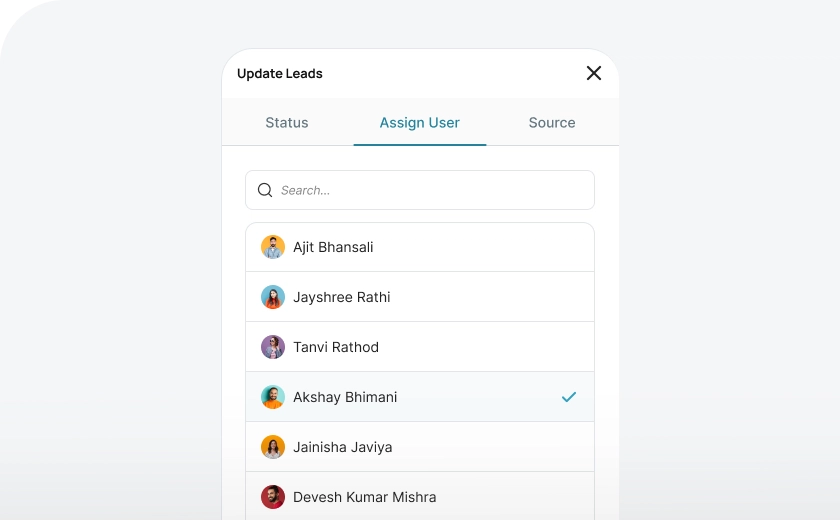
Wortal gives admins complete control over lead distribution, allowing them to decide who assigns leads to team members. With just a few clicks, leads can be quickly filtered and assigned based on set criteria. The mass update feature makes it even easier, enabling bulk lead assignments in seconds.
Auto Assignment
Wortal gives you flexibility to define rules and automate lead assignment process as per your business needs. This will help you to assign leads to appropriate team members without any manual intervention.
Communication
Call
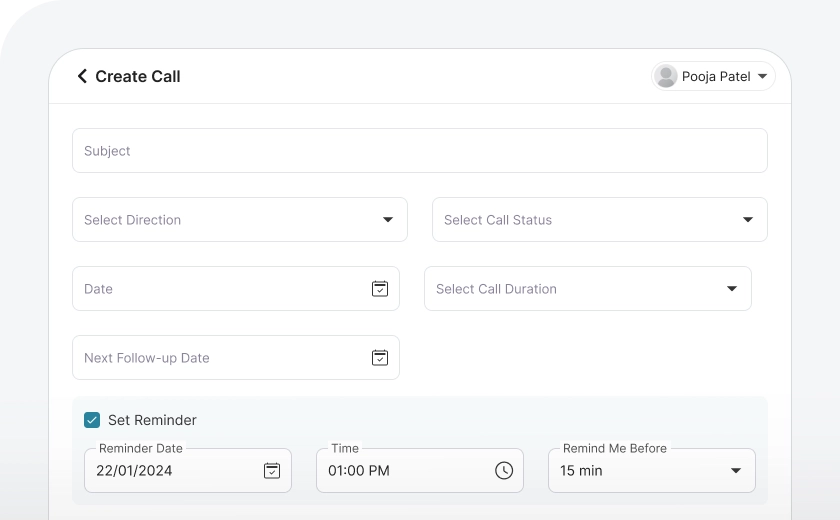
Track every call with complete details, including inbound/outbound status, call summary, follow-up dates, and reminders to maintain seamless communication. This keeps client interactions organized and you can set follow-up dates as well.
Send instant emails from the CRM using predefined templates, with options to attach catalogs. Schedule emails for future delivery to maintain timely communication.
Easily share information with clients via WhatsApp using predefined templates for instant communication. Business WhatsApp API integration helps you set automation to send messages automatically on defined trigger points from the CRM.
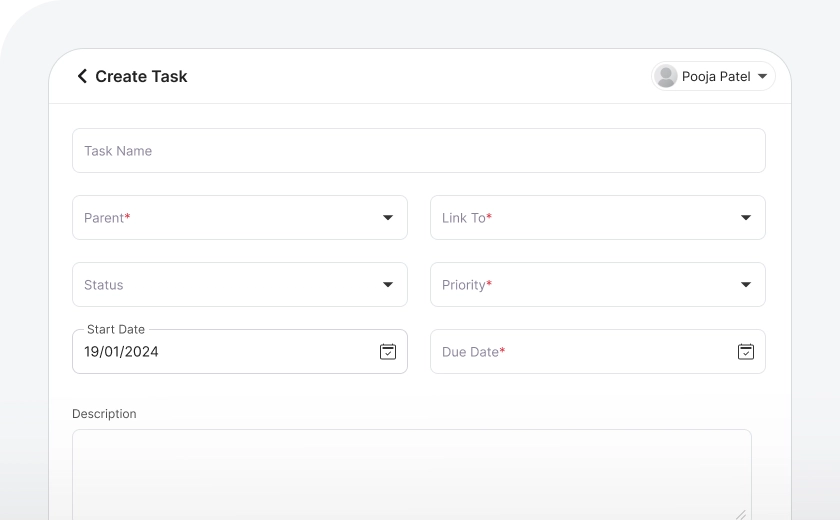
Task Creation
Create and assign tasks to employees directly related to each lead, while working on lead. All tasks will be saved in the lead section, which will help in considering previous work history and decide future actions.
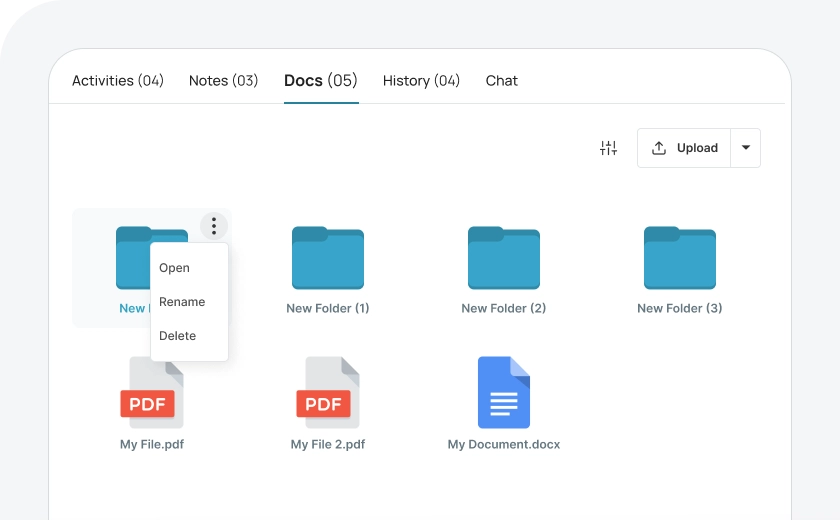
Upload Documents
All documents related to a lead, like catalogs or KYC forms, can be stored in one place. This makes it easy to access everything you need without searching at different folders and locations, keeping things simple and organized.
Views Of Leads
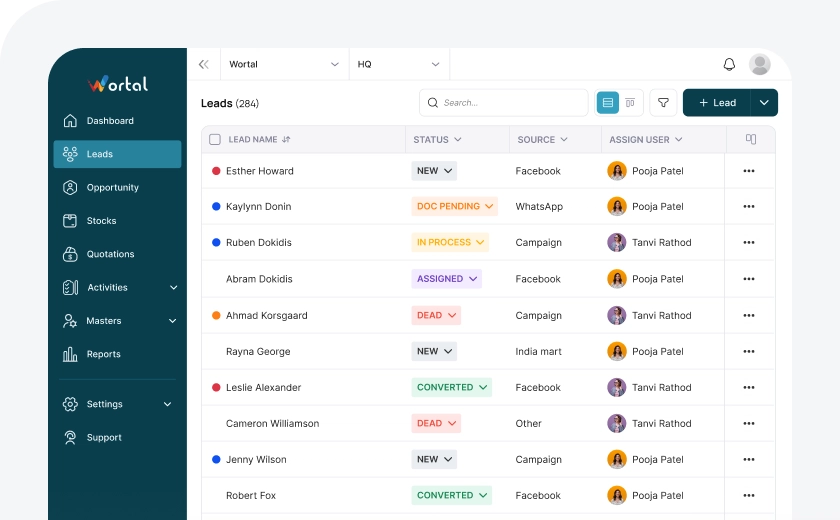
List View
You can view all your leads on one panel in a list format, where each lead is shown in rows. This makes it easy to see and manage leads, with different columns (or "heads") showing key information like name, status, and contact details.
Kanban View
In Kanban view, you can easily manage leads by dragging and dropping them between different statuses. This lets you see all your leads on one board, making it simple to track progress and stay organized.
Quick View
With the quick view option, you can instantly see required lead details like the lead name, status, requirements, and contact information. This allows you to quickly check the lead and move forward with the next steps.
Detailed View
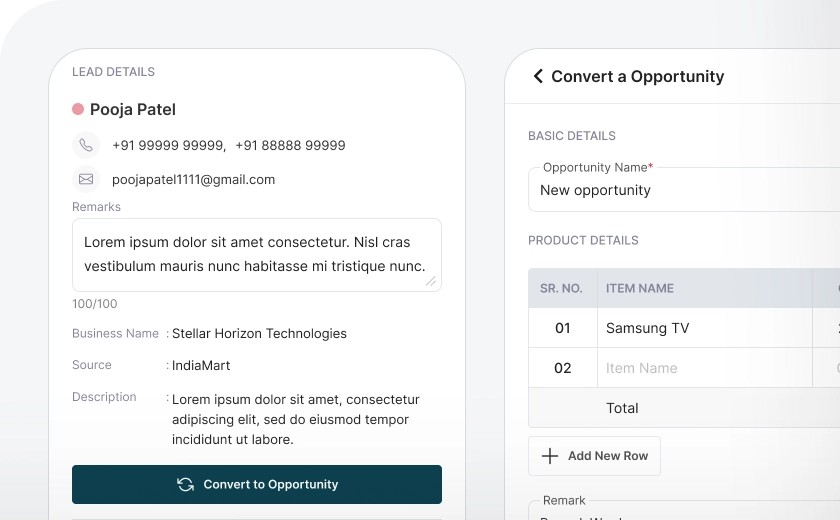
With Wortal, you can access detailed lead information, edit lead details, and record all communications. You can also change the lead status and assign leads to other team members as and when required.
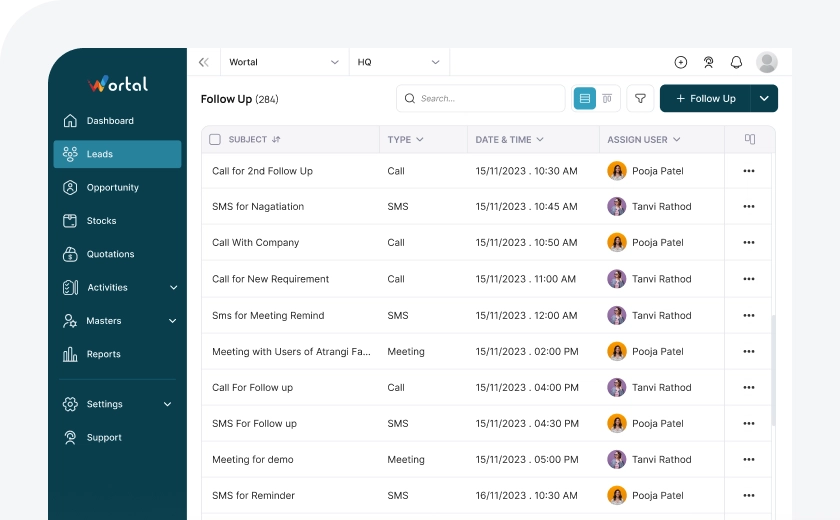
Convert more Opportunities
Timely follow-ups are crucial for lead nurturing, set follow-up dates while logging calls and easily filter follow-ups based on their due dates and close more deals.