
Most business owners don’t think about warehouse software until they’ve already been burned by it once.
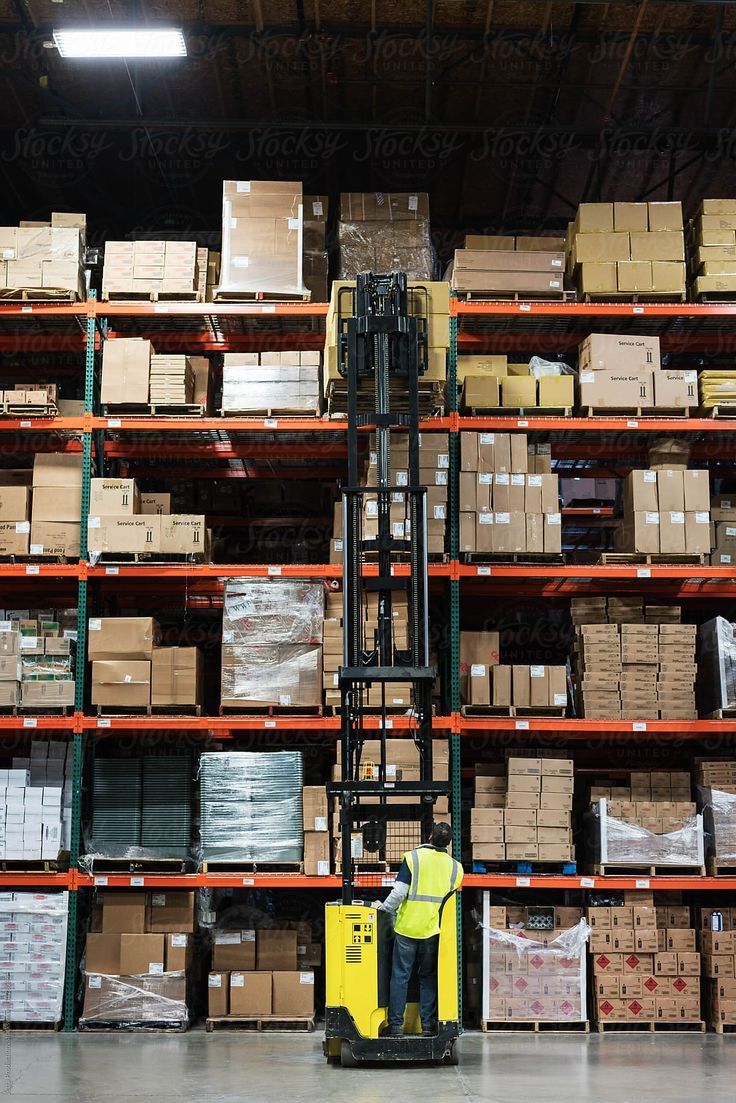
I’ve talked to enough distributors and manufacturers in Gujarat to know the pattern by heart. They start with one godown, track stock in a notebook or an Excel sheet, and it works fine. Then they open a second location – maybe in Ahmedabad, maybe in Ludhiana – and suddenly nobody knows what’s actually sitting on the shelves. Orders get promised twice. Stock gets “found” three weeks later in a corner nobody checked.
That’s usually the moment someone starts googling multi-warehouse inventory software, and that’s usually the moment they get overwhelmed, because every vendor website says the same five things and none of them explain what actually matters once you’re running two, three, or ten locations.
So let’s talk about it properly.
Book a Free Demo
See how Wortal can simplify your business and help you close more deals.


Why Single-Location Thinking Breaks Down Fast
A lot of software marketed for inventory looks fine in a demo. One warehouse, clean dashboard, stock counts update in real time. Looks great.
The real issue is what happens the moment you add a second location. Does the stock count per warehouse show separately, or does it just add everything into one big number that tells you nothing? Because if your Surat unit has 4,000 meters of a fabric and your Bhiwandi unit has zero, a combined total of 4,000 is actively misleading. Your Bhiwandi sales team will promise stock that isn’t there.
This is the core difference between basic inventory tools and genuine inventory software for multiple warehouses – the second kind is built around location as a first-class piece of data, not an afterthought bolted on later.
What Multi-Warehouse Inventory Software Actually Needs to Do
Here’s what actually matters, based on what tends to go wrong in real operations.
1. Location-wise stock visibility, not just totals
You should be able to open a single item and instantly see how much is in each warehouse – not a combined number, not a report you have to generate. Instantly.
2. Stock transfer tracking between warehouses
Goods move between locations constantly – a manufacturer shifting finished stock from the factory godown to a city warehouse, for instance. If your software can’t log that transfer with a timestamp and a responsible person attached, you’ll lose track of goods “in transit” more often than you’d like to admit.
3. Reorder points set per warehouse, not per product
This one trips people up. A product might need a reorder alert at 500 units in your main warehouse but only 100 units in a smaller regional one. Software that applies one reorder rule across all locations will either flood you with false alerts or miss real shortages.
4. Role-based access by location
Your Surat warehouse manager shouldn’t be able to edit stock counts in your Kolkata unit, and honestly, they usually don’t want that responsibility either. Multi-location inventory management only works smoothly when access is scoped properly – otherwise you get accidental edits, or worse, deliberate ones nobody can trace back.
5. Batch and expiry tracking across locations (if applicable)
For anyone dealing with dyes, chemicals, or perishable raw material, this isn’t optional. FIFO tracking has to work per warehouse, not as one blended pool.
6. Real reporting, not just dashboards
A dashboard that looks nice in a sales pitch is not the same as a report that tells you which warehouse is overstocked and which one is about to run dry. Ask for actual sample reports before you buy anything.
| Feature | Basic Inventory Tool | True Multi-Warehouse Software |
|---|---|---|
| Stock visibility | Combined total only | Per-warehouse breakdown |
| Transfers | Manual notes/Excel | Logged with timestamps |
| Reorder alerts | One rule for all | Rule per location |
| User access | Same for everyone | Scoped by warehouse |
| Reporting | Basic summary | Warehouse-wise comparison |
If a vendor can’t clearly answer how their tool handles even three of these, it’s probably not built for multiple locations – it’s a single-warehouse tool with a warehouse dropdown added on top.
A Simple Way to Picture Stock Flow
Here’s roughly how goods and data should move once you’re running multiple warehouses, and where most businesses actually lose track of things:
The businesses that struggle are almost always missing that central dashboard step. Each warehouse manager knows their own stock, but nobody above them sees the full picture without making three phone calls first.
Where People Usually Go Wrong When Choosing Software
Most people pick software based on the interface. That’s where things usually go wrong.
A clean-looking screen doesn’t tell you whether the backend logic actually separates warehouse data properly. I’ve seen businesses migrate to a tool, only to realize six months in that “warehouse” was just a tag on a product, not a real separate stock ledger. By then they’ve already trained staff and moved historical data – switching again feels like starting over.
In practical terms, before signing up for anything, ask the vendor to show you – live, not in a slide – how stock looks when the same product exists in two warehouses with different quantities. If they hesitate, that’s your answer.
A textile trader’s warehouse problem
A trader I know in Surat runs two warehouses — one near Ring Road where the main stock sits, and a smaller one closer to the railway station for faster local dispatch.
For almost a year, both locations were tracked on the same Excel sheet, updated manually by two different people. The Ring Road stock and the station stock were added into one column. It looked organized. It wasn’t.
The problem showed up during a big festive-season order. A buyer wanted 3,000 meters of a specific fabric in three days. The sheet showed 3,200 meters available. It sounded fine. Except 2,000 of that was sitting at the station warehouse, already committed to a different buyer who’d paid an advance a week earlier.
That mix-up cost him a repeat buyer relationship worth lakhs over the following year — not because he didn’t have stock, but because he genuinely didn’t know where his stock was.
After that, he moved to proper multi-location inventory management software where each warehouse had its own live count, and transfers between the two locations were logged instead of guessed.
This is a pattern seen with Wortal users too — once inventory is tracked warehouse-wise instead of as one pool, the number of “sorry, that’s actually not available” calls to customers drops sharply within the first month.
Key Takeaways
- Combined stock totals across warehouses cause more damage than no software at all – they create false confidence
- Reorder points need to be set per location, not applied uniformly
- Transfers between warehouses must be logged, not tracked verbally or on paper
- Role-based access prevents both accidental and intentional stock record errors
- Ask for a live demo showing two-warehouse stock before committing to any vendor
- The right multi-warehouse inventory software should reduce phone calls and manual double-checking, not add more steps