

Warehouse Management Software Real-Time Visibility Across All Locations
Track stock across multiple warehouses & godowns. Manage transfers, verify receipts, handle adjustments & get location-level reports — all from one dashboard.
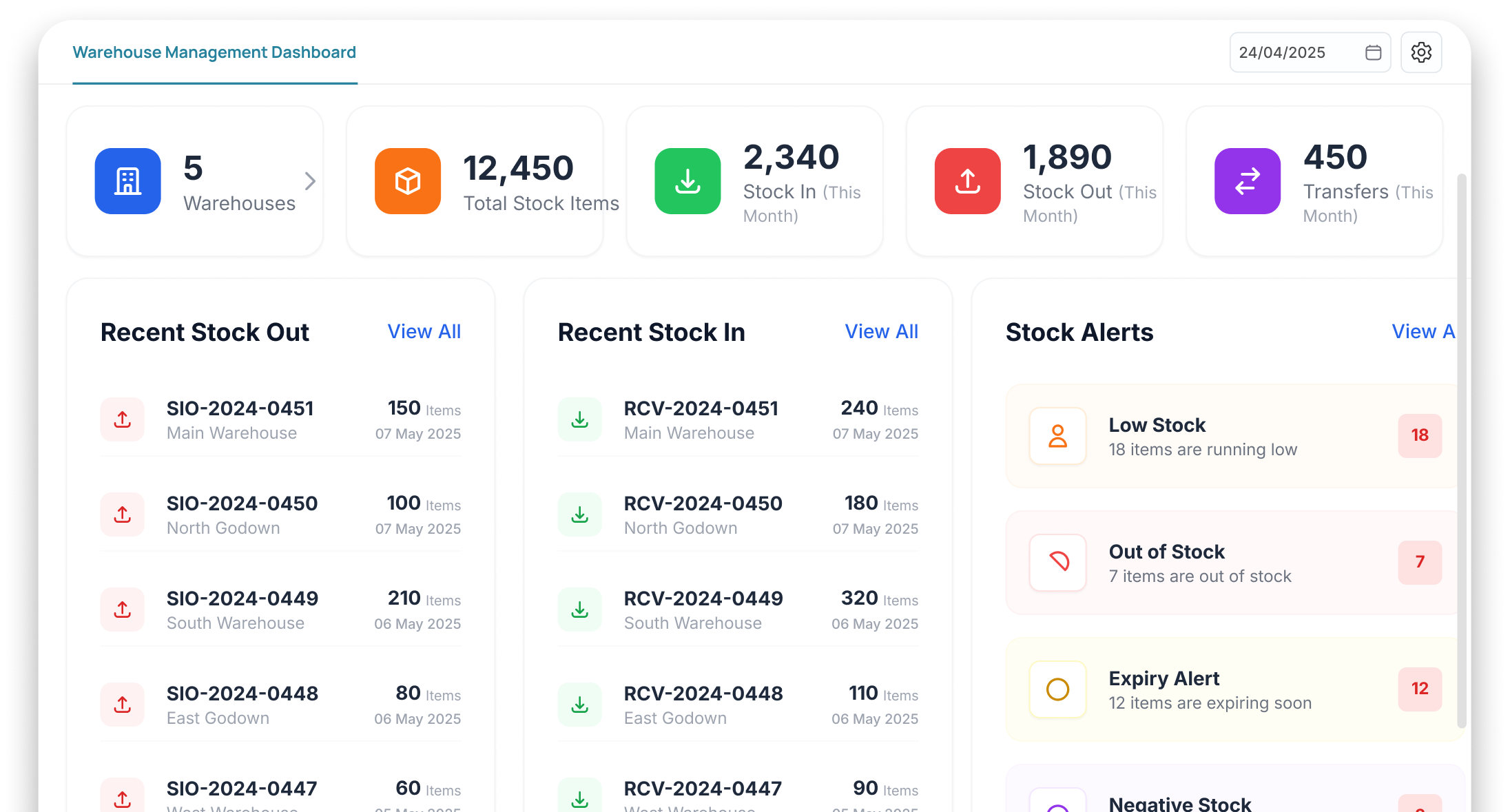
5 WAREHOUSES , zero unified view
You’re running blind across locations


Phone calls to check stock
Want to know stock in Godown B? Call the manager. He'll check and call back in 30 minutes. That's your 'system'

Transfers on paper
Stock moves between godowns on handwritten notes. Receiving side says 95 pieces, sending side says 100. Who's right?

Physical stock never matches records
End of month, physical audit shows 20% mismatch. Missing stock, phantom stock — nobody can explain where it went

No location-wise reports
You can't see which godown is overstocked, which is understocked. Decisions based on gut feel, not data
Track Inventory Across EVERY LOCATION
Add Your Locations
Set up all your warehouses, godowns & branch stores in Wortal
Track Stock Per Location
See real-time stock levels for every product at every location
Manage Transfers
Create transfer orders, track in-transit stock, verify receipt at destination
Get Location Reports
Branch-wise, warehouse-wise & product-wise stock reports anytime
Complete Control Over INVENTORY Across Every Location
Manage multiple warehouses, track stock transfers, verify receipts, and maintain accurate inventory records with full audit visibility
Multi-Warehouse Management
Add unlimited warehouses, godowns & branch stores. Each with its own stock view
Transfer Tracking
Create transfer orders between locations. Track in-transit, verify receipt, complete audit trail
Receipt Verification
Receiving location verifies quantity & quality before accepting transfer
Stock Adjustments
Handle damage, returns, corrections with proper adjustment entries & reasons
Location-Level Reports
Stock reports per warehouse, per product, per category real-time
Complete Audit Trail
Every movement, transfer, adjustment logged with timestamp, user & reason
Outcomes That Improve INVENTORY ACCURACY
Track inventory movements in real time, eliminate stock discrepancies, and make faster decisions with centralized warehouse management.
One Dashboard for All Locations
See every warehouse’s stock from one screen no phone calls needed

Zero Stock Mismatch
Verified transfers + logged adjustments = physical stock matches digital records

Accountable Transfers
Both sender & receiver verify no disputes, no missing stock

Faster Decision Making
Real-time data means faster reordering, better allocation & fewer stockouts

Powering WORKFLOWS
Across Modules



Complementary Features You May Need
Manage warehouse operations, orders, inventory, GST billing, and dispatch compliance from a single connected system
GST Billing
Generate the invoices that feed e-way bills
Order Management
Track orders that need e-way bills
Warehouse Management
Dispatch from warehouses with compliance
Stock Management
Stock auto-updated on dispatch
FAQ
Yes, effortlessly. Whether you have two warehouses in the same city or ten spread across the country, Wortal gives you a unified view. You can see exactly how much inventory is sitting in Warehouse A versus Warehouse B at any moment.
Wortal has a dedicated “Stock Transfer” feature. You can log when items are leaving Warehouse A, track them while they are in transit, and confirm when they safely arrive at Warehouse B, ensuring your stock records never get messy during moves.
Yes. To make order picking fast and accurate, you can assign specific aisle, rack, shelf, or bin locations to every item in your system. When a worker goes to pack an order, their picking list tells them exactly where to walk to find it.
Absolutely. Wortal plays nice with standard barcode scanning systems. Scanning items when they arrive or when they are being packed into an order eliminates manual counting errors and keeps warehouse operations running at lightning speed.
If an item breaks, leaks, or goes missing, warehouse managers can log a “Stock Adjustment.” You simply select the reason for the reduction (e.g., “Damaged” or “Theft”), and the system instantly updates your active counts while keeping an audit trail for management.
Call More. Log Less. Close Faster
Free setup · No credit card · Cancel anytime
