

Order Management Software Track Orders from Inquiry to Delivery
Create, manage and track every order across your business. Real-time status updates, production tracking, dispatch alerts & complete order history
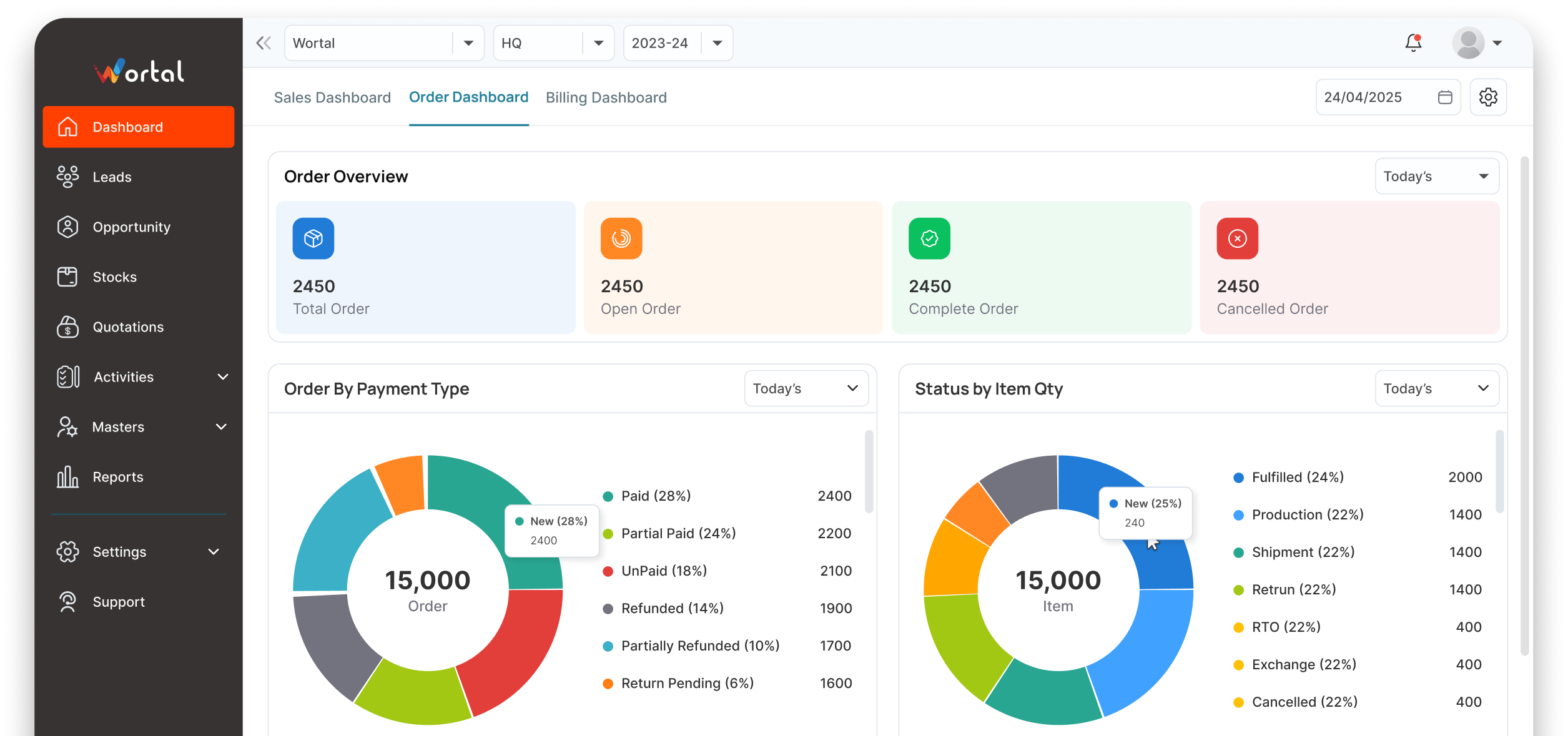
Nobody knows which order is pending, dispatched, or delayed
And every missed deadline costs you a buyer


Orders tracked on paper or Excel
Order details in notebooks, status in someone's memory. Nobody can tell you what's pending, what's dispatched, what's delayed

Dispatch deadlines missed regularly
No automated reminders, no deadline tracking. Orders get forgotten until the buyer calls and complains

Buyers calling for status updates
Your team spends hours answering 'where's my order?' calls instead of processing new orders and growing business

No order history per buyer
A repeat buyer asks about their last 3 orders. Your team scrambles through files, WhatsApp chats and Excel sheets to find answers
The Complete Order-to-Delivery Process
Order Created
Create orders from inquiries with product details, quantities, pricing & delivery dates
Production Tracked
Monitor production status — pending, in-progress, ready for dispatch
Dispatch Managed
Schedule dispatch, assign delivery, generate challan & track shipment
Delivery Confirmed
Mark delivery, get buyer confirmation, trigger invoice generation
Built to Simplify Complex Order Workflows
Create, track, dispatch, and manage orders from a single dashboard
One-Click Order Creation
Create orders with product details, quantities, pricing, delivery dates & special instructions
Real-Time Status Tracking
Track every order through stages — pending, production, ready, dispatched, delivered
Dispatch Scheduling
Schedule dispatch dates, assign delivery partners, generate delivery challans
Buyer-Wise Order History
Complete order history per buyer past orders, pending orders, payment status
Auto Status Notifications
Buyers get automatic updates via WhatsApp when order status changes
Order Reports & Analytics
Order volume, dispatch timelines, delay analysis, buyer-wise revenue reports
Deliver Better Order Experiences at Every Step
Reduce delays, improve visibility, and keep buyers informed with a streamlined order management process
Zero Missed Dispatches
Every order tracked with deadlines — nothing gets forgotten

Real-Time Order Visibility
Anyone in your team can check any order’s status in seconds
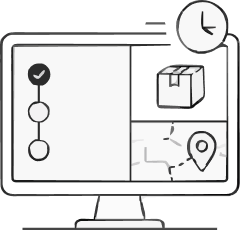
Happier Buyers
Auto status updates keep buyers informed — fewer “where’s my order” calls

Faster Order Processing
Streamlined flow from inquiry to delivery — less manual work, more throughput




Complementary Features You May Need
Manage orders, inventory, invoicing, warehouse operations, and customer communication from one connected platform.
GST Billing & Invoicing
Generate invoices from orders in one click

Stock Management
Auto-update stock when orders are placed or dispatched

Warehouse Management
Track dispatch from the right

WhatsApp API
Send order updates to buyers via WhatsApp
FAQ
Instead of manually typing order details from WhatsApp, emails, or phone calls into different systems, Wortal brings them all into one dashboard. The moment an order lands, it automatically updates your stock levels and alerts your packing team. This cuts out double-handling and helps you get shipments out the door much faster.
Yes, absolutely. Every order goes through clear stages-like “Order Received,” “Packing,” “Shipped,” and “Delivered.” You and your team can see exactly where a package is at any second, making it easy to answer customer questions instantly without digging through paperwork.
You can easily edit or cancel an order directly from the dashboard before it gets shipped. The system will automatically recalculate the payment totals, adjust your stock counts back to normal, and update your team so nobody accidentally packs the wrong items.
Yes. If a customer orders five items but two are temporarily out of stock, you can split the order. You can ship the first three items now and track the remaining two as a pending “backorder” to be sent out as soon as new stock arrives.
It sure does. Once an order is marked as shipped, Wortal can automatically trigger a text, WhatsApp, or email to your customer with their tracking link. It keeps them in the loop and saves your team from handling tons of “Where is my order?” messages.
Stop Losing Leads. Start Closing Deals
Free setup · No credit card · Cancel anytime
