
Ask any small manufacturer how they’re tracking orders and you’ll usually get one of two answers. Either it’s a spreadsheet that’s been “updated by everyone” since 2019, or it’s a WhatsApp group where the sales guy pastes order details and hopes someone in the workshop reads it before the raw material runs out.
Both work. Until they don’t.
I’ve spent years talking to factory owners across small and mid-sized Indian manufacturing units – dyeing units, packaging plants, auto component makers, plastic moulding shops. The story repeats itself. Orders get missed not because people are careless, but because there’s no single place where an order’s full journey – from enquiry to dispatch – actually lives.
That’s the real problem an order management system for manufacturers is meant to solve. Not “digitisation” for its own sake. Just one place where everyone can see what’s happening.
Here’s what actually matters when you’re picking one.
Why manufacturers need something different from generic order software
Most order management tools out there were built for e-commerce. Product gets ordered, warehouse picks it, courier ships it. Simple, linear.
Manufacturing doesn’t work like that.
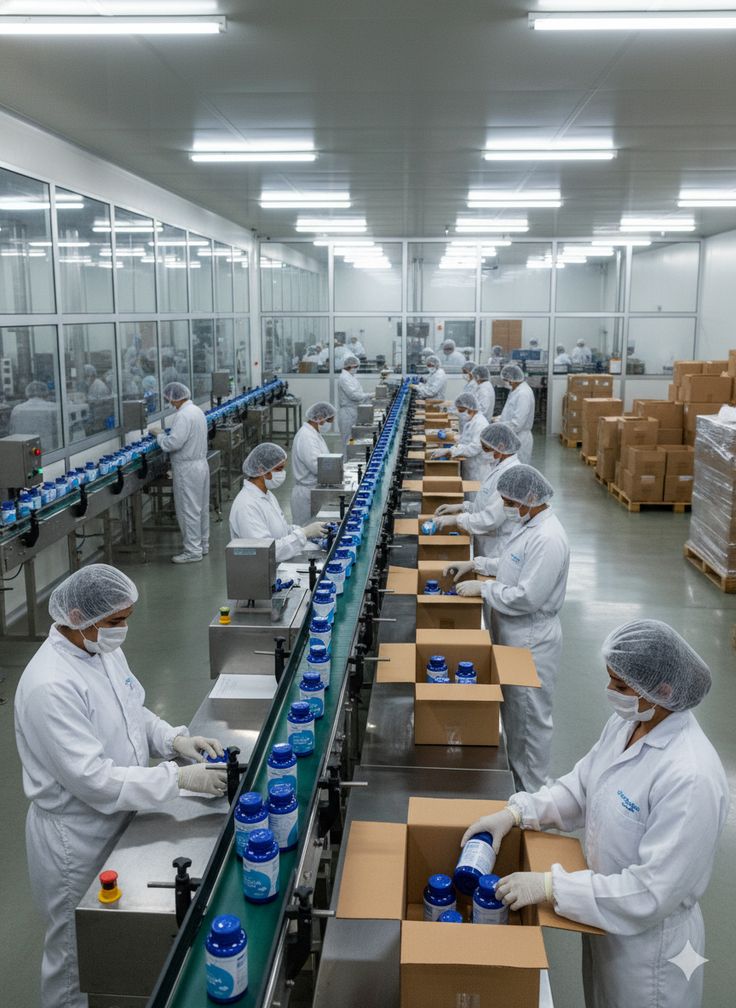
A single order might need raw material procurement, job-work with an outside vendor, quality checks at three stages, partial dispatches, and a change in specification halfway through production because the buyer wanted a different GSM or a different alloy grade. Generic tools fall apart here because they assume the product already exists. In manufacturing, the order often triggers the product’s creation.
This is why manufacturing order management software needs to think in terms of production stages, not just shipping stages. If the software you’re evaluating can’t show you “this order is 60% through the cutting stage, waiting on dye lot approval,” it’s not built for a factory floor – it’s built for a warehouse.
Book a Free Demo
See how Wortal can simplify your business and help you close more deals.


The features that actually move the needle
Let’s skip the obvious stuff like “cloud-based” and “mobile access.” Every vendor says that. Here’s what separates software that gets used from software that gets abandoned in three months.
1. Order-to-production linkage
The single biggest order management software feature for a manufacturer is the ability to connect a sales order directly to a work order or production job. Not as two separate modules that someone has to manually sync – as one continuous thread.
As soon as a customer order is received, the system should automatically verify whether all the required raw materials are available. If anything is missing, it should notify the procurement team before the sales team commits to a delivery date, ensuring that promises made to customers are realistic and achievable.
2. Partial order and multi-batch tracking
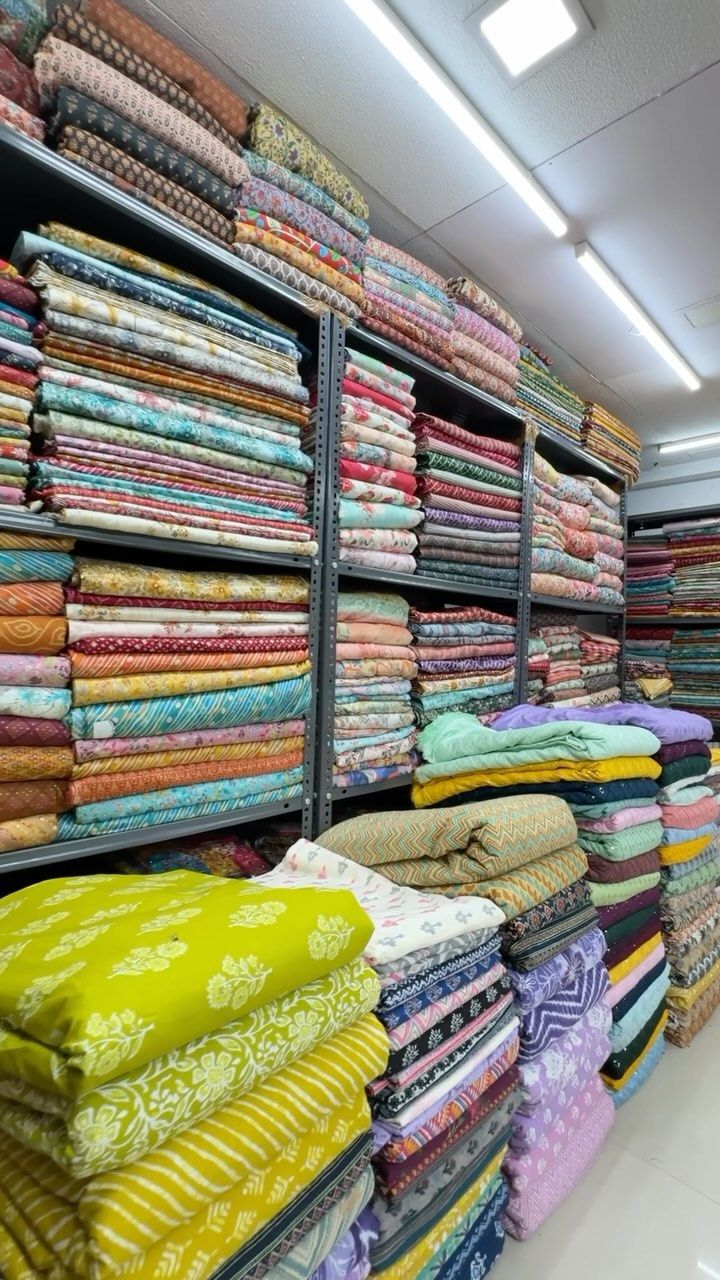
Very few manufacturing orders ship in one go. A textile order of 5,000 metres might dispatch in four lots over three weeks depending on dyeing capacity. A metal fabrication order might get split because one component needs outsourced plating.
Good software tracks this without turning into a mess of duplicate entries. You should be able to see, at a glance, what’s shipped, what’s pending, and what’s still in the queue – against the original order, not as disconnected line items.
3. Vendor and job-work visibility
Most small manufacturers rely on outside job-work – sending semi-finished goods to another unit for a specific process and getting it back. This is where orders quietly die. The material leaves the factory, and unless someone physically calls the vendor, nobody knows its status.
A solid order management system for manufacturers should let you log what went out, to whom, expected return date, and flag delays automatically. This alone can cut delivery slippage significantly – I’ve seen units reduce their average delay by nearly a week just from this one feature.
4. Real-time inventory tied to orders
Inventory that’s disconnected from orders is just a static list. What you actually need is inventory that updates the moment an order consumes material, and that warns you before you commit to a delivery date you can’t meet.
Here’s what actually matters: it’s not about having “inventory management” as a checkbox feature. It’s about whether that inventory number changes the moment a sales order is confirmed – not at month-end reconciliation.
5. Approval and change-order handling
Buyers change their minds. A colour changes, a quantity changes, a delivery date moves. If your software can’t handle a mid-cycle change without breaking the order history, you’ll end up maintaining changes on paper anyway – which defeats the entire purpose.
Look for version history on orders. You want to see what changed, when, and who approved it. This becomes critical during disputes, and trust me, disputes happen more often in manufacturing than people admit.
6. Dashboards that a factory owner can actually read
Most people ignore this part when evaluating software, and it’s usually the reason adoption fails. If the dashboard needs a training session to understand, your production manager – who’s running between the shop floor and his phone all day – simply won’t open it.
The best dashboards show three things clearly: orders due this week, orders stuck or delayed, and payment status. That’s it. Everything else is secondary.
Let me show you how this order lifecycle actually flows when it’s tracked properly, versus the chaos of scattered tracking.
Notice the loop-back. That’s the part most spreadsheet-based systems can’t handle – an order isn’t a straight line, it curves back through quality checks and partial shipments before it’s actually closed.
What actually happens when you get this right – a real example
A garment processing unit in Surat I’ve worked closely with used to run everything through Excel and phone calls between the merchandiser and the dyeing floor. Orders would get confirmed for delivery dates that the dyeing schedule genuinely couldn’t support, because the merchandiser had no visibility into machine load.
After moving to a system where every order automatically linked to production capacity and job-work status, two things changed almost immediately. First, the merchandiser stopped promising dates blind – the system showed live load on each dyeing batch. Second, disputes with buyers dropped because every change to an order was logged with a timestamp and an approval, instead of “I told you on call.”
Nothing fancy happened here. No AI magic, no complex automation. Just one shared source of truth that both the sales side and the shop floor could see at the same time. That’s usually the entire win.
Key takeaways before you buy anything
- Don’t get sold on features you’ll never touch. A manufacturing order management software with 40 modules and a two-week onboarding is often worse than one with 8 modules your team actually opens daily.
- Ask the vendor to show you, live, how a partial dispatch against one order looks in their system. If they fumble this, walk away.
- Check if job-work and outside vendor tracking exists as a real feature, not a workaround using “notes” fields.
- Insist on seeing the mobile view before buying. Your production supervisor isn’t sitting at a desktop.
- Get clarity on how change orders are handled – this is where most tools quietly fail.
In practical terms, the right software doesn’t add work. It removes the follow-up calls, the “did you check with the workshop” messages, and the end-of-month reconciliation panic. If a demo makes your process feel heavier, that’s the wrong tool, no matter how polished the interface looks.
We built Wortal with exactly this gap in mind – order tracking that actually understands production stages, job-work, and partial dispatches instead of treating a manufacturing order like an e-commerce shipment. It’s worth a look if you’re currently juggling this across spreadsheets and calls.