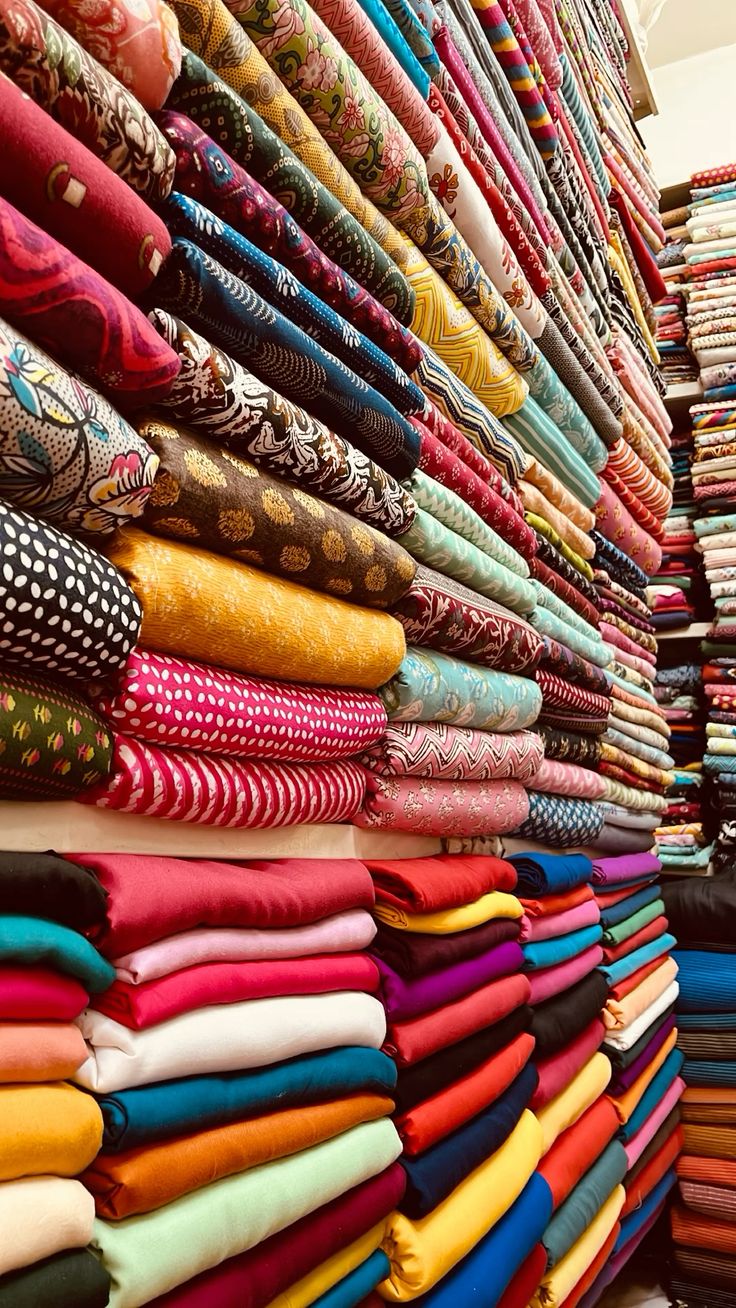

Ask any textile trader in Surat, Bhiwandi, or Panipat – generating a textile GST invoice that actually captures fabric details is harder than it sounds. It’s not just about putting GSTIN and HSN codes on a bill. The real headache is when your customer orders four lots of georgette in different shades, and your invoice software has no idea what a ‘lot number’ or ‘shade code’ even is.
Generic billing tools were built for product-based businesses – think a retailer selling TVs or shoes. Textile is a different world. You’re dealing with fabric shade variations, lot segregation, quality grades, and meter-based pricing – and all of it needs to show up correctly on a GST-compliant invoice.
That’s exactly what textile GST billing software is built to handle. Let’s get into what it actually means to generate invoices with shade, lot, and quality details – and why it matters more than most businesses realize.
Why Fabric Details Matter on a GST Invoice
Most textile businesses still generate invoices manually or use basic accounting tools that weren’t designed for fabric trading. The result? Invoices that list ‘fabric’ or ‘georgette’ without specifying shade, lot, or quality – which creates two serious problems.
First, disputes with buyers. A buyer in Delhi orders 500 meters of ‘Light Blue Georgette – Lot 42, Quality A’. If your invoice just says ‘Georgette 500 mtrs’, you have zero documentation to prove which lot was shipped. Second, audit trails. During a GST audit, tax officers sometimes scrutinize HSN codes and item descriptions. A vague invoice is a red flag.
The right textile invoice software solves both problems by letting you capture shade codes, lot numbers, and quality grades at the invoice level – not as an afterthought, but as a core part of the billing workflow.
What Shade, Lot & Quality Fields Actually Mean in Billing
Before we get to the software, a quick breakdown of what these fields mean – because they get mixed up constantly.
Shade
Shade refers to the colour variant of a fabric. Even within the same fabric type – say, polyester crepe – shade variations like ‘Ivory’, ‘Off-White’, and ‘Cream’ are treated as separate items. Buyers are particular about this. Two lots of the same shade from different dyeing batches can look slightly different, which is why shade codes exist.
Lot Number
A lot number identifies a specific production batch. If you receive 5,000 meters of fabric from a manufacturer in three separate shipments, each shipment gets its own lot number. Mixing lot numbers in one delivery can cause shade inconsistency at the buyer’s end – a genuine quality issue in the industry.
Quality Grade
Textile businesses often grade fabric as A-grade (first quality), B-grade (seconds), or export quality. These grades directly affect pricing. Your invoice needs to reflect which quality grade was billed – especially when a single order might include both A and B grade at different rates.
A proper textile ERP billing software handles all three of these as structured fields – not just text boxes you can type anything into, but dropdown-linked, inventory-mapped attributes.
How to Generate a GST Invoice with These Details
Here’s a practical walkthrough of how Wortal – a CRM and billing platform built for Indian SMBs including textile businesses – handles this.
Step 1: Set Up Your Product Master with Fabric Attributes
Before you generate a single invoice, your product master needs to be configured correctly. In Wortal, you can define products with linked attributes – shade code, lot number, and quality grade – so that when a salesperson creates an invoice, they select from predefined options rather than typing freehand.
This sounds like a small thing, but it prevents errors. A salesperson typing ‘Lt. Blue’ in one invoice and ‘Light Blue’ in another creates mismatches in your records. Dropdowns enforce consistency.
Step 2: Add Line Items with All Fabric Details
When creating a textile GST invoice in Wortal, each line item lets you specify:
- Product name and HSN code
- Shade code – e.g., Shade 47 (Light Blue)
- Lot number – e.g., Lot 42
- Quality grade – e.g., A-Grade
- Unit (meters/kg/pieces), quantity, and rate
- GST rate – auto-applied based on HSN code
The invoice auto-calculates taxable value, CGST/SGST or IGST (based on buyer’s state), and total amount. You don’t have to do any of this manually.
Step 3: Generate and Share the Invoice
Once line items are added, Wortal generates a GST-compliant textile GST invoice that includes all fabric details in a clean, structured format. You can send it directly via WhatsApp or email – the platform has built-in automation for this.
This matters in practice. A trader in Surat shared that his previous software would generate invoices that he then had to manually annotate with shade and lot details before sending. With a proper textile billing software, that extra step disappears entirely.
The Real Issue with Generic Billing Software
Most people ignore this part. The textile GST billing software market is flooded with tools that claim to ‘support all industries.’ The problem is that textile-specific requirements – shade tracking, lot-wise stock, quality-based pricing – require customisation that generic tools simply don’t offer out of the box.
What happens then? Businesses either maintain separate Excel sheets for fabric details and reconcile manually with invoices, or they skip the details entirely and face disputes later.
Textile ERP billing software like Wortal is different because shade, lot, and quality are built into the product structure itself – not added as a workaround. When your billing, inventory, and CRM sit on the same platform, a sale automatically updates stock (lot-wise), records shade and quality, and generates the invoice – all in one flow.
Book a Free Demo
See how Wortal can simplify your business and help you close more deals.


Key Things to Look For in Textile Invoice Software
If you’re evaluating textile invoice software, here’s what actually matters:
- Shade and lot-level inventory: Your billing software should pull real-time stock data at the shade and lot level – not just at the product level.
- HSN code mapping: Fabric GST rates depend on HSN codes (5%, 12%, etc.). Look for software that maps HSN codes automatically.
- Multi-quality pricing: You should be able to set different rates for A-grade and B-grade of the same fabric without creating separate products.
- WhatsApp invoice sharing: In the textile trade, buyers prefer WhatsApp. Software that sends invoices directly saves real time.
- Buyer-wise history: Being able to see all previous textile GST invoices for a buyer – with shade, lot, and quality details – helps enormously during disputes or repeat orders.
Quick Takeaways
- Textile GST invoice generation isn’t just about compliance – it’s about capturing the right product attributes (shade, lot, quality) that textile trade depends on.
- Generic billing tools create gaps that lead to disputes and messy records. Textile GST billing software fills those gaps.
- Wortal lets you configure shade, lot, and quality as structured product attributes – so every textile invoice your team generates is consistent and complete.
- Textile ERP billing software that integrates inventory, billing, and CRM in one platform saves manual reconciliation time and reduces errors.
- Start with a clean product master. If shade codes and lot numbers aren’t mapped correctly upfront, no software can fix that downstream.