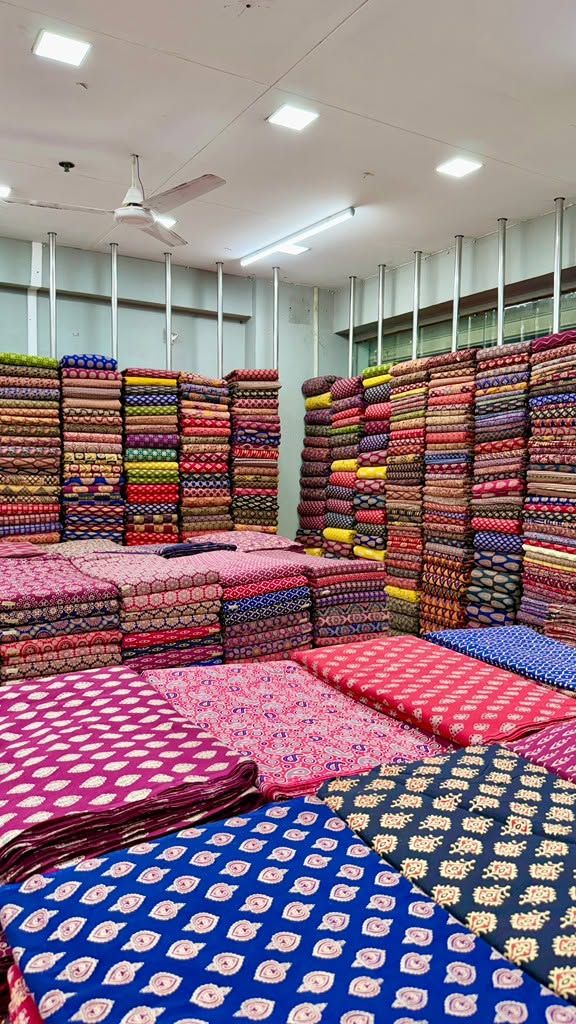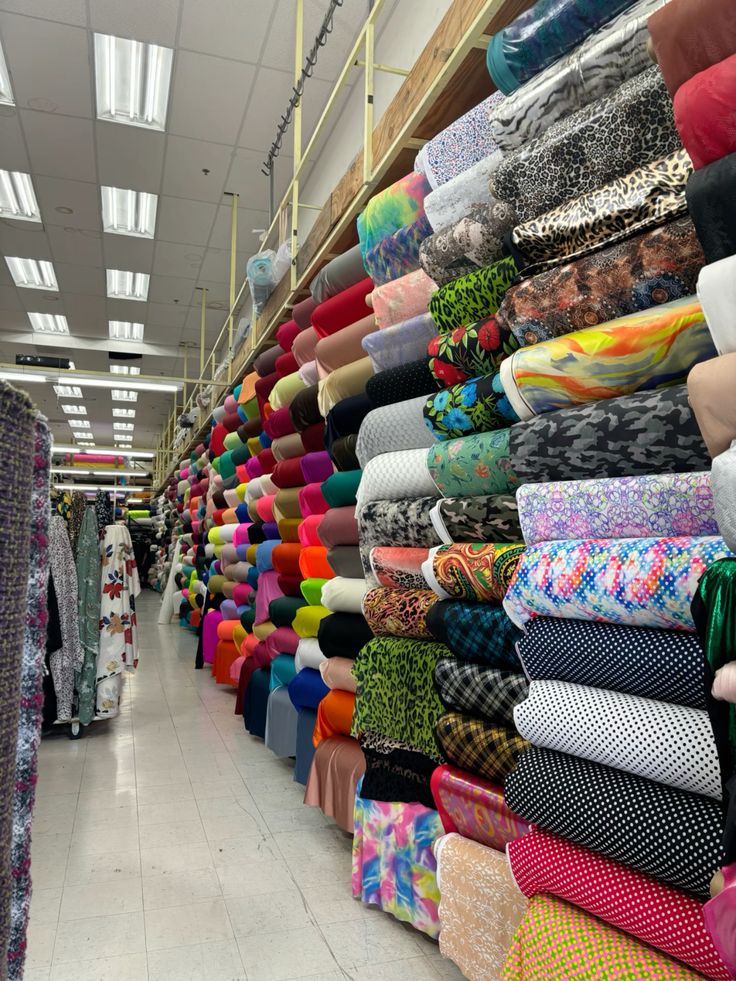

Stock runs out on a Tuesday afternoon. Your sales guy has already promised a client 1,500 metres of cotton poplin by Thursday. The warehouse team checks – 80 metres left. Nobody flagged it. Nobody knew.
This isn’t a rare situation in textile businesses. It happens constantly, across fabric wholesalers in Surat, garment manufacturers in Ludhiana, and home textile exporters in Panipat. The product moves fast, the team is stretched, and nobody has time to physically count shelves every morning.
Setting up a proper low stock alert textile system fixes this – not by adding more work, but by removing the guesswork entirely.
Book a Free Demo
See how Wortal can simplify your business and help you close more deals.


The Problem Isn’t Really About Stock. It’s About Visibility.
Most textile businesses know roughly what they have. The problem is when they find out it’s gone.
A purchase manager in a mid-sized fabric trading firm once told me their standard process was to check stock only when a sales order came in. So a stockout would only surface when a customer was already on the line, expecting confirmation. By then, the options are: delay the order, disappoint the client, or buy from a local trader at marked-up prices and eat the margin.
That’s where a textile stock notification system changes the math. You find out before the customer calls – not after.
What You’re Actually Setting Up (And Why It’s Not Complicated)
A low stock alert textile setup, at its simplest, means telling your inventory system: “When this fabric’s quantity drops below X metres, tell me.”
The challenge isn’t technology. It’s knowing what X should be for each product – and making sure the right person sees the alert when it fires.
Here’s how to think through it practically.
Step 1: Split Your Inventory by How Fast It Moves
Every textile business has fabrics that fly off shelves and fabrics that sit. Pure cotton voile in summer. Bridal brocade in October-November. School uniform fabric in March-April.
Your low inventory alert textile thresholds should not be uniform across all products. A fabric that sells 200 metres a day needs a very different buffer than one moving 20 metres a week.
Start rough:
- Fast-moving: Needs a higher minimum threshold, typically covering 12-18 days of average sales
- Medium-moving: 7-10 days buffer is usually enough
- Slow-moving: Keep tighter thresholds; overstocking here blocks working capital
Once you’ve sorted your SKUs this way, setting alert levels becomes far more logical – and your textile low stock alert software will actually produce useful notifications rather than noise.
Step 2: Calculate a Real Reorder Point for Each Category
Gut feel doesn’t work here. A fabric wholesaler in Ahmedabad once told me he used to keep “at least 2 bales” as his mental rule for everything. Then his silk chiffon supplier started taking 18 days on delivery, and his safety buffer of 2 bales – roughly 120 metres – vanished in under a week during the festive season.
The formula is straightforward:
Reorder Point = (Average Daily Sales × Supplier Lead Time in Days) + Safety Stock
If you sell 100 metres of polyester georgette daily and your supplier delivers in 8 days, your reorder point is 800 metres plus whatever buffer you’re comfortable holding. Build that number into your low stock alert textile configuration, and the system flags you at the right moment – before you’re scrambling, not while you’re scrambling.
Step 3: Configure Alerts in Wortal – And Assign Them to the Right People
This is where most businesses get it half right. They set up a textile stock notification system, but all alerts go to one email ID that a purchase manager checks every two days. Not useful.
In Wortal, you can configure stock alerts at the individual product level and route notifications to specific people – the purchase head, warehouse supervisor, or sales team – based on who actually needs to act.
For a fabric business, that typically means:
- Purchase manager gets alerted when reorder point is hit – time to raise a PO
- Sales team sees which fabrics are running low – so they stop confirming orders they can’t fulfil
- Warehouse staff gets notified for physical verification before the purchase order goes out
Wortal’s WhatsApp notification support matters here more than most people realise. In textile businesses, people aren’t sitting at desktops refreshing dashboards. They’re on the floor, on calls, or at the mandi. A WhatsApp alert on a low stock alert textile situation actually gets seen and acted on.
Step 4: Factor In Pending Orders, Not Just Physical Stock
Here’s what most basic inventory tools miss – and where a purpose-built textile low stock alert software earns its keep.
Say your system shows 600 metres of cambric in stock. Looks fine. But you have three open sales orders totalling 550 metres that haven’t been dispatched yet. Your actual available stock is 50 metres, not 600.
Wortal’s inventory module tracks committed stock separately from available stock. So your low inventory alert textile triggers fires based on what’s actually free – not a misleading gross number that lulls your team into thinking everything’s fine.
This distinction alone has saved several fabric traders from double-confirming orders they couldn’t honour.
Step 5: Revisit Thresholds Before Every Major Season
A reorder point set in January is probably wrong by September.
Textile demand is seasonal in a way few other product categories match. Cotton kurta fabric moves differently in March than it does in August. School uniform fabrics have a sharp 6-week window. Export order cycles create sudden demand spikes that don’t always follow a predictable calendar.
If your textile stock notification system is running on static, year-round thresholds, you’ll either overstock in off-peak months or hit stockouts exactly when orders are heaviest.
Schedule a threshold review before each major season. Takes an hour. Prevents weeks of supply headaches.
What Good Textile Low Stock Alert Software Should Actually Do
Most inventory tools weren’t built with textile businesses in mind. A generic ERP thinks in boxes and units. Fabric businesses deal in metres, kilograms, rolls, and colour variants – sometimes all four for the same product.
When evaluating any textile low stock alert software, check for:
- SKU-level threshold configuration, not just category-wide
- Alerts that account for pending sales orders, not just physical stock
- WhatsApp or SMS notification support – not just email
- Mobile access so the purchase manager doesn’t need to be at a computer
- Integration between sales, inventory, and purchase so the data feeding your low stock alert textile triggers is actually accurate
Wortal was built for Indian SMBs in manufacturing and trade. The workflows match how textile businesses actually run – not how a generic system assumes they should.
Quick Reference: Thresholds That Actually Work
| Fabric Category | Average Daily Sales | Lead Time | Suggested Reorder Point |
|---|---|---|---|
| Fast moving (cotton basics) | 150 meters | 7 days | 1200–1500 meters |
| Medium-moving (printed synthetics) | 60 meters | 10 days | 700–800 meters |
| Slow moving (specialty weaves) | 15 meters | 21 days | 400–500 meters |
Adjust safety stock based on supplier reliability. If your supplier runs late frequently, build in a bigger buffer.
Key Takeaways
- Set low stock alert textile thresholds based on actual sales data, not rough estimates
- Fast-moving fabrics need higher buffers and more sensitive alerts
- Route alerts to the right people – not a single inbox nobody monitors
- Track available stock (after pending orders), not just physical stock
- Review thresholds seasonally – static numbers create seasonal stockouts
- Use a textile stock notification system that integrates sales and purchase, not just warehouse counts