
When multiple deals are selected, a floating bar appears showing:
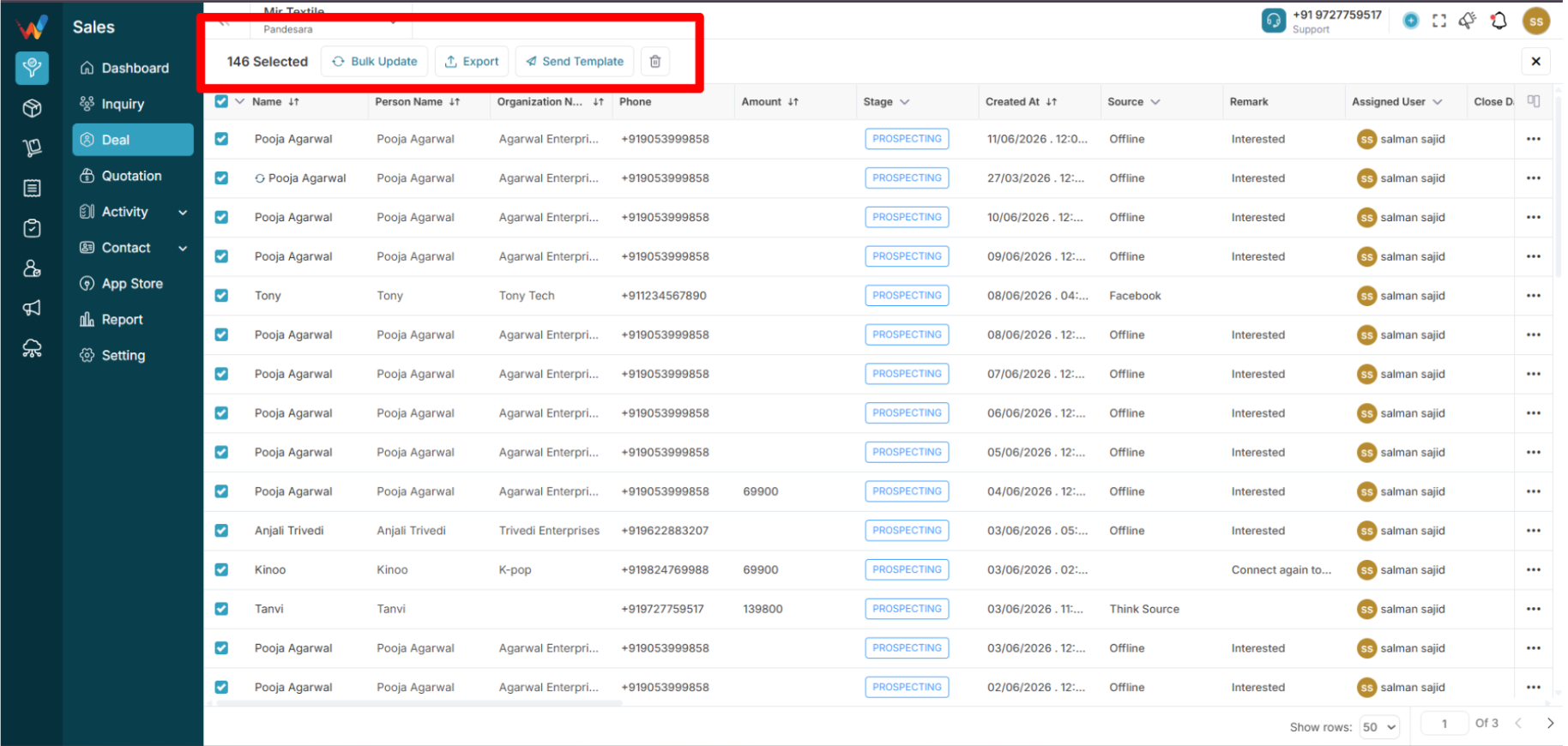
- Selected count (e.g., “146 Selected”)
Actions:
- Update
- Delete
- Send Template
- Close (X)
Update (Mass Update)
Opens “Opportunities Mass Update” panel with tabs:
Stages Tab
Shows all stages.
Select a stage and submit:
- Stage updates for all selected deals
- Change is logged in each deal’s History
Assigned User Tab
Reassigns selected deals to another sales user.
After submission, all selected deals reflect the new owner.
Delete (Bulk Delete)
Deletes all selected deals.
Send Template
Sends a pre-defined message or email template to selected deals.
Used for bulk communication.
Close (X)
Closes the bulk bar without changes.
Customize Columns Panel
Opens a side panel (e.g., “Customize Columns 31/31”).
Allows toggling column visibility.
Locked columns cannot be removed (e.g., Name, Stage).
Reset to Default restores original columns.
Affects only the user’s view, not global data.
Column-Level Filters
Stage Filter Dropdown (From Column Header)
Filters table by stage.
Does not update deal stages.
Source Filter Dropdown (From Column Header)
Filters table by source.
Does not update deal source.
